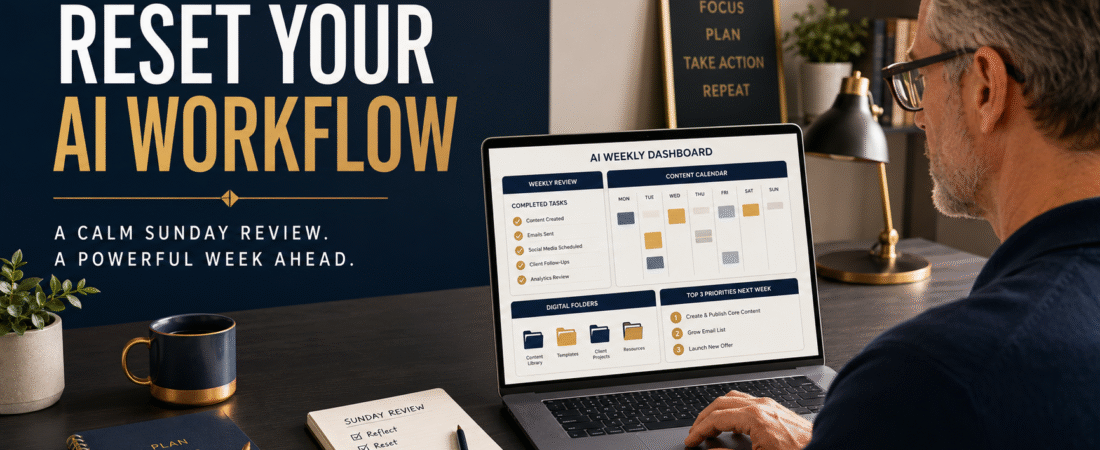
Using artificial intelligence can save time, generate ideas, organize information, and support many parts of an online business. However, AI can also create a surprising amount of digital clutter.
Drafts accumulate. Prompts are stored in several conversations. Useful ideas are forgotten. Projects remain partially completed because a new idea appeared before the previous one was finished.
A Sunday AI workflow reset gives you an opportunity to review what you created, organize valuable materials, identify unfinished work, and prepare a realistic plan for the coming week.
The goal is not to spend the entire day reorganizing your business. A focused review of approximately thirty to sixty minutes can provide enough clarity to begin Monday with direction.
Affiliate Disclosure: This article contains affiliate links. If you purchase through one of these links, I may earn a commission at no additional cost to you.
Review What You Completed
Begin by reviewing the work you completed during the previous week.
Look at your:
- Blog articles.
- Social-media posts.
- Video scripts.
- Email messages.
- Product drafts.
- Lead magnets.
- Website updates.
- Affiliate promotions.
- AI conversations.
Do not focus only on what remains unfinished. Record what you completed because completed work shows where your time was actually spent.
You may discover that you created more than you remembered. You may also notice that several completed assets were never published, promoted, or connected to a clear business goal.
Ask your AI assistant to help summarize your completed activities. Provide a list of the work and request a short report organized by content creation, marketing, audience building, product development, and administration.
Identify Unfinished Projects
Next, create a separate list of unfinished projects.
An unfinished project might include an article that needs editing, a product section that needs examples, an email sequence with missing messages, or a lead magnet that has not been connected to a signup page.
Avoid treating every unfinished idea as an active priority.
Classify each item as:
- Complete this week.
- Schedule for later.
- Remove from the active list.
Removing an idea does not mean it was a bad idea. It may simply mean that it does not support your current goal.
AI can help compare unfinished projects based on urgency, potential value, effort, and connection to your business priorities. You should still make the final decision because the AI does not fully understand your available time, energy, or personal commitments.
Organize Your Best Prompts
During the week, you may create prompts that produce especially useful results. If those prompts remain buried inside long conversations, you may not be able to find them when needed.
Create a simple prompt library organized by purpose.
Possible categories include:
- Blog creation.
- Social-media content.
- Email marketing.
- Product development.
- Editing and proofreading.
- Research.
- Video scripts.
- Image prompts.
- Business planning.
- Quality control.
Save the prompt along with a short explanation of what it produces and any instructions that must remain unchanged.
A tool such as AI Product Engine may be helpful when your prompts are connected to digital-product development. It can support the process of moving from a product idea toward organized written content and supporting materials.
https://links.linkcontroller.com/mikeslinks/aip
Use the tool to accelerate production, but continue reviewing every section for accuracy, completeness, and alignment with your audience.
Review the Quality of Your AI Output
Do not assume that content is ready simply because it sounds polished.
Review several pieces of AI-assisted content and ask:
- Does the introduction clearly explain the problem?
- Are the instructions specific enough to follow?
- Are any important steps missing?
- Are examples realistic?
- Does the content repeat information?
- Are claims properly supported?
- Does the writing sound natural?
- Does the conclusion provide a useful next step?
You may notice patterns in the output. Perhaps the AI repeatedly uses similar introductions, relies on broad examples, or creates conclusions that sound alike.
Record these patterns and update your prompts with clearer instructions.
For example, instead of asking for a “helpful article,” specify the audience, problem, desired outcome, structure, examples, tone, and items to avoid.
Review Your Audience-Building Activities
Content should not exist in isolation. It should help readers understand your expertise and take an appropriate next step.
Review whether your weekly content included opportunities to:
- Join your email list.
- Download a free resource.
- Read a related article.
- Evaluate an affiliate tool.
- Reply with a question.
- Purchase a product.
If you published content but did not provide a clear next step, add audience-building actions to the coming week.
GetResponse can help create landing pages, signup forms, subscriber lists, newsletters, and automated follow-up messages.
https://links.linkcontroller.com/mikeslinks/getresponse
This makes it possible to connect your articles and social posts to an organized email-marketing process instead of relying only on temporary social-media attention.
Choose One Primary Weekly Goal
After reviewing your work, choose one primary goal for the coming week.
Examples include:
- Publish six completed articles.
- Finish one lead magnet.
- Build one welcome email sequence.
- Complete one digital product section.
- Update five important website pages.
- Create and schedule one week of social content.
A primary goal gives your daily activities a common direction.
You may still complete smaller tasks, but they should not replace the work that supports the main objective.
Ask AI to break the weekly goal into daily actions. Review the proposed schedule and adjust it based on your normal working pace.
Prepare Monday’s First Action
End the Sunday reset by deciding exactly what you will do first on Monday.
Do not write a vague instruction such as “work on marketing.”
Write something observable, such as:
“Review and publish the completed article about beginner AI mistakes.”
Open the correct file, collect the links, and place any required notes where they can be easily found.
This reduces the delay between beginning the day and beginning meaningful work.
Keep the Reset Manageable
Your Sunday review should simplify the week, not become another large project.
Use a repeatable checklist:
- Record completed work.
- Review unfinished projects.
- Organize useful prompts.
- evaluate content quality.
- Review audience-building actions.
- Choose one weekly goal.
- Prepare Monday’s first task.
A consistent short review is more valuable than an elaborate system you rarely use.
Conclusion
Artificial intelligence becomes more useful when it is connected to an organized workflow.
A Sunday AI reset helps you preserve strong prompts, complete valuable projects, eliminate unnecessary work, improve content quality, and enter the new week with a clear goal.
Without a review, your business may continue collecting drafts, ideas, and unfinished projects. With a review, those materials can become organized assets that support your larger plan.
Set aside thirty minutes today to review your AI-assisted work and decide which single result deserves your greatest attention during the coming week.
#AIProductivity, #SundayPlanning, #OnlineBusiness, #ArtificialIntelligence, #BusinessOrganization, #WeeklyReview